
About Aoneko Tools
Little sheets of paper.
Big things to make.
Aoneko Tools is a growing collection of free printable templates, coloring pages and simple tools for making things. Pick a design you love, choose the size you need, and turn everyday paper into something fun.
Explore the templates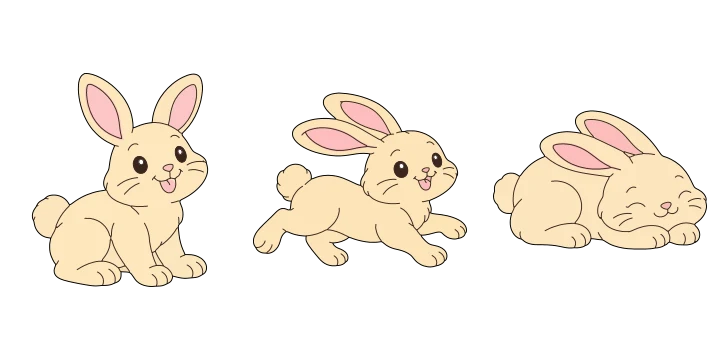

Choose it. Size it. Make it.
Something for your next idea
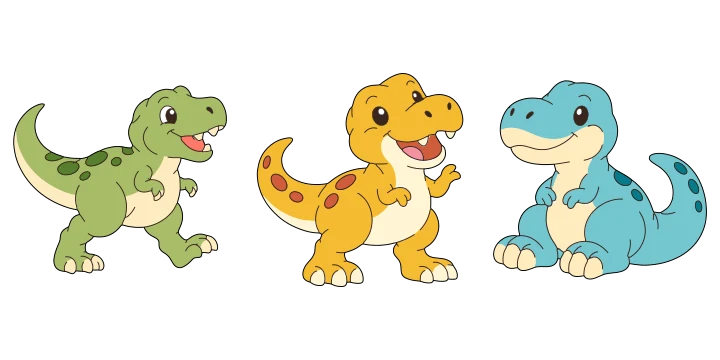
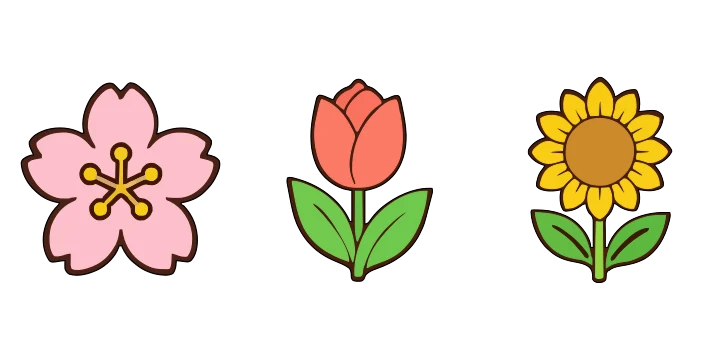
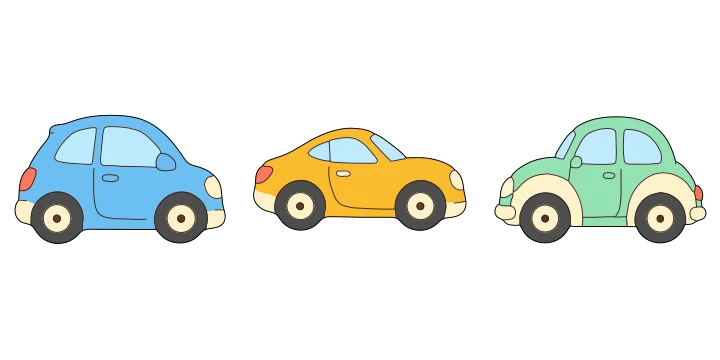
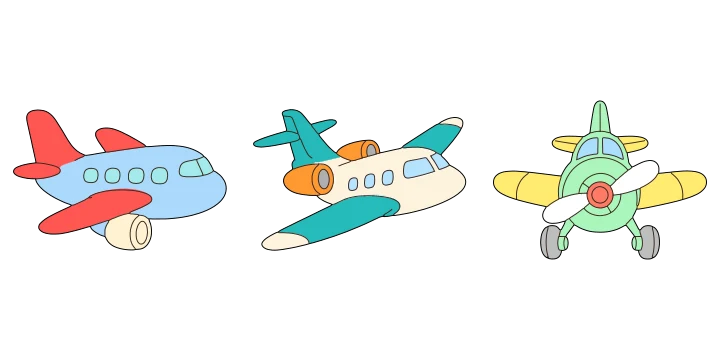
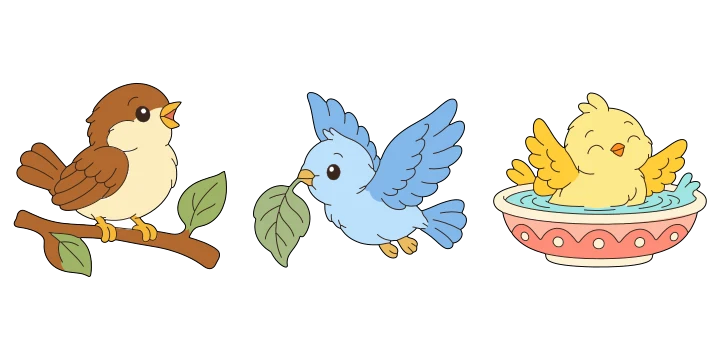
Animals, dinosaurs, flowers, vehicles, seasonal decorations and more: there is plenty to explore. Our illustrated templates offer color, black-and-white and outline styles, so you can print a finished decoration, use detailed line art as coloring pages, or trace a craft template onto paper, card or felt.
You can also find tools for basic shapes and lettering. Download a printable PDF, or use SVG and transparent PNG options where available.
Color it. Trace it. Make it.
Free coloring pages and craft templates
The same illustration can be a coloring page, a cut-out decoration or a pattern for your next craft. Choose Black and white for detailed line art to color with pencils, crayons or markers on paper. Choose Outline for a simple outer shape to trace onto paper, card or felt and cut out.
Pick a design, choose its size, then save a PDF and print at 100% or Actual size. Make one large coloring page, or fit several small designs on a sheet. You can also combine designs in Free arrangement to create your own printable picture.
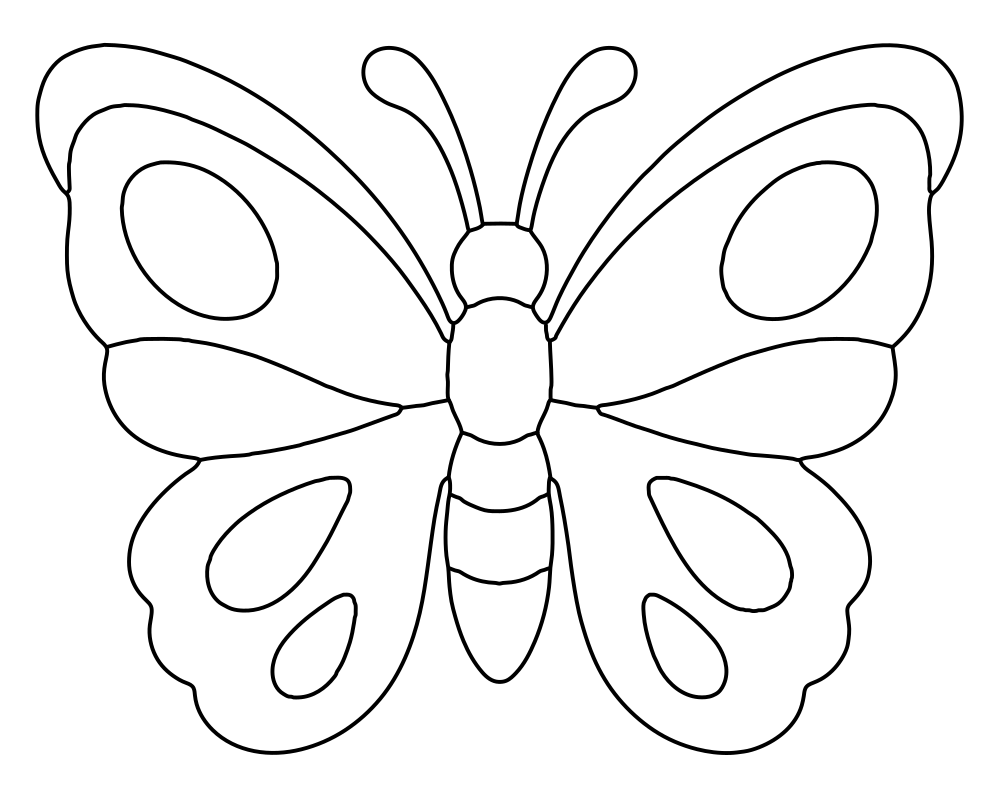
Detailed line art to color
Select Black and white, print the butterfly, and fill its wings with your favorite colors.
Try the butterfly coloring pages →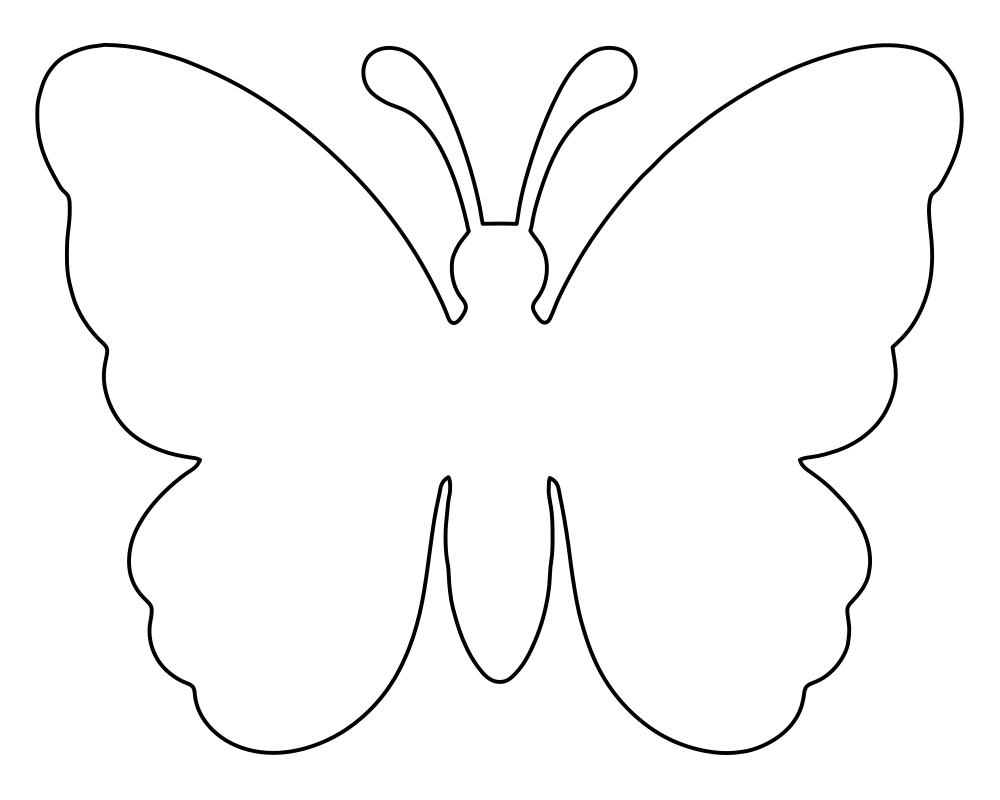
A simple outline for crafts
Select Outline to use the outer shape as a craft template. Trace it onto your material, cut it out, and make a card, garland or decoration.
Try the butterfly craft templates →Your home printer can do more
Big decorations from ordinary paper
Our illustrated-template tools can split an oversized design across several sheets of US Letter or A4 paper.
 1
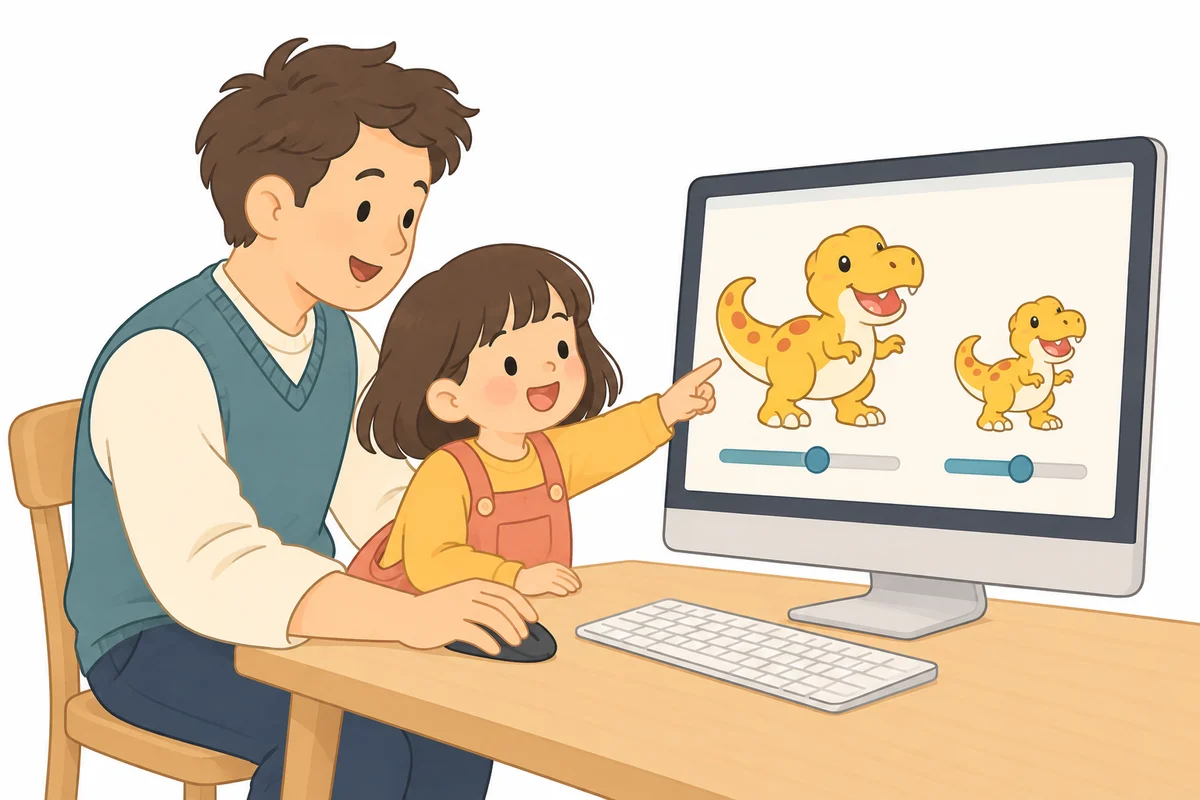
1Choose your finished size
Pick a design and set its width or height. Choose your paper size and the one-design layout to tile large sizes.
 2
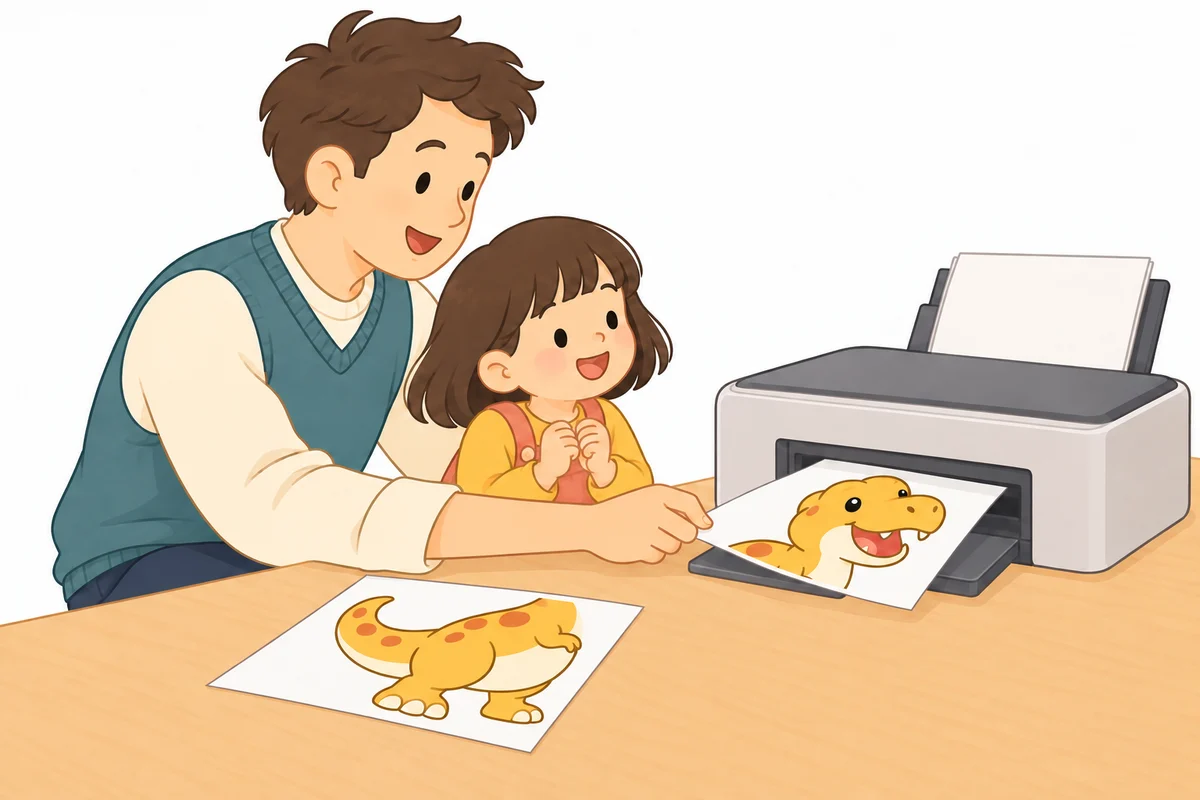
2Print the PDF
Download the PDF and print at “Actual size” or 100%, rather than “Fit to page.” Check the 50 mm measuring line to confirm the scale.
 3
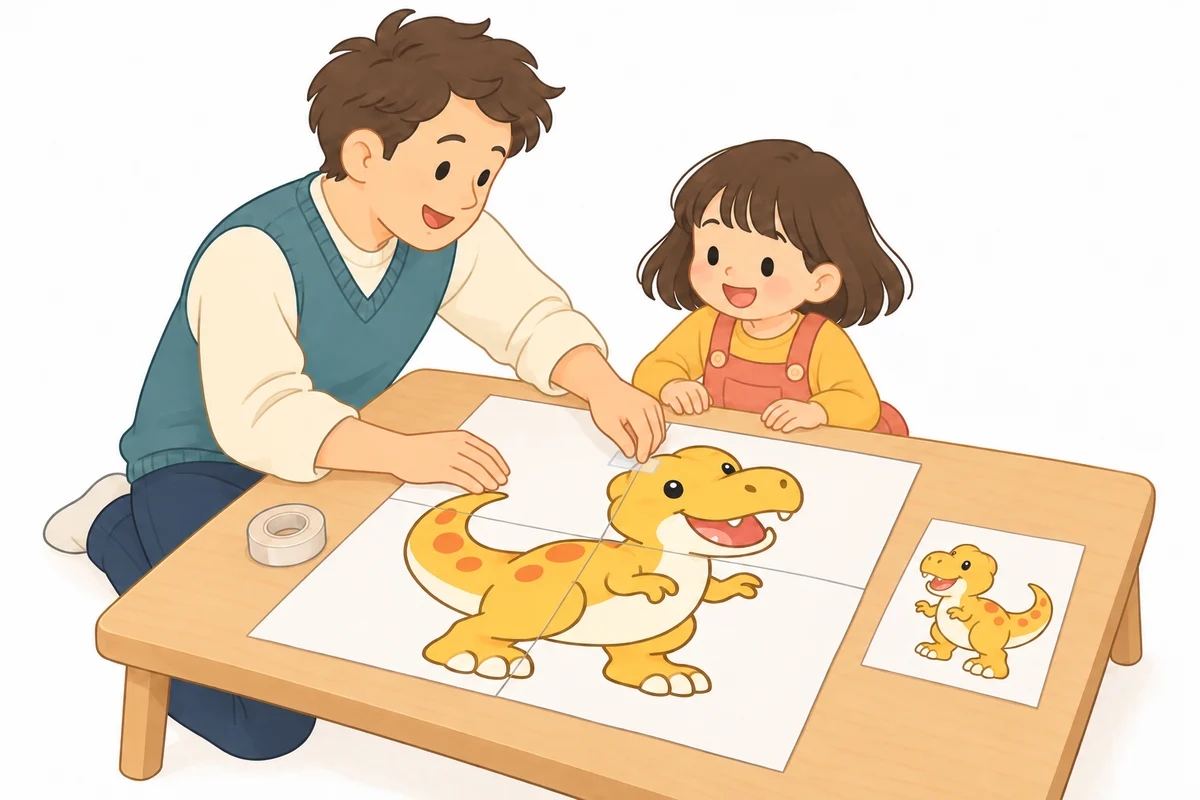
3Trim, match and tape
For large designs printed across several sheets, match the row and column labels and trim the blank margins. With overlap, align the repeated artwork in the 5 mm strip. With no overlap, place the image edges together without overlapping them. Tape the sheets together from the back. Small designs can be used just as they are, or cut out and stuck onto a card, wall display or craft project.
Try a small version first, then make it bigger for a wall, window or display. The preview shows the page layout before you download.
A design of your own
Arrange the pieces. Make them yours.
Switch to Free arrangement to combine designs from the template page you are using. Add a shape, drag it into place, then resize, rotate or duplicate it. Move pieces in front of or behind each other to build your own picture.
Try decorating a plain Christmas tree with a star, ornaments and gifts, or turn a simple wreath ring into a festive display with a bow, a bell and stars. The examples below combine the existing parts from each page.
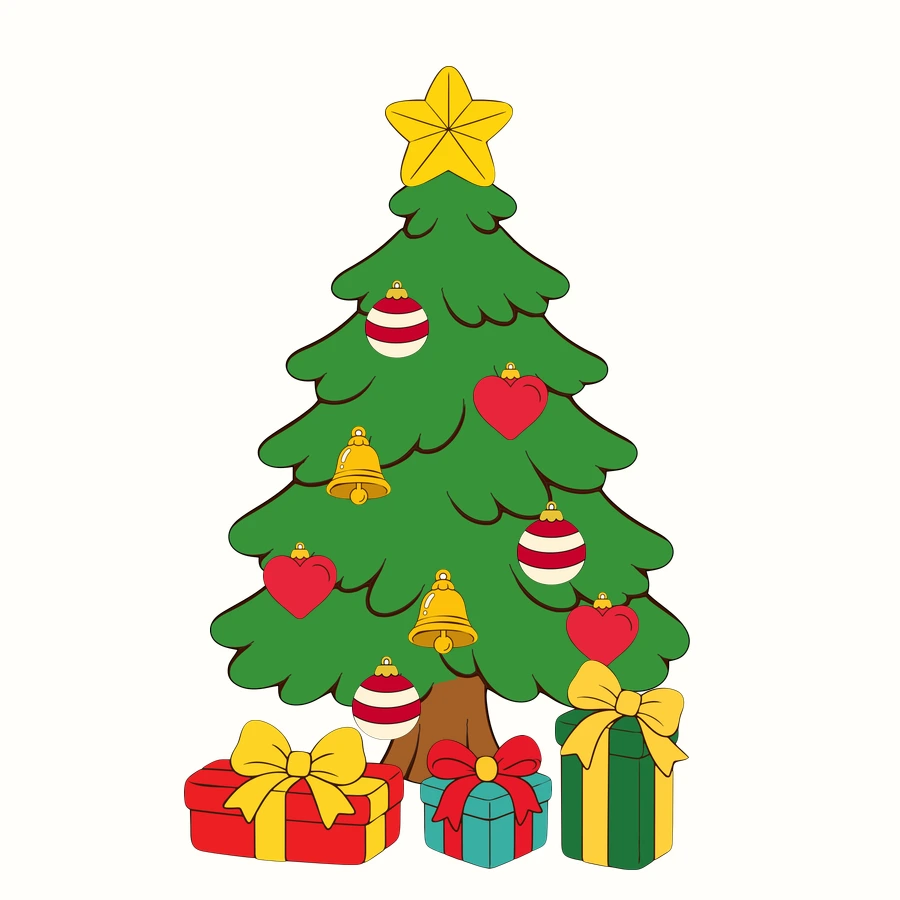
A tree, decorated your way
Start with a plain tree and arrange its decorations one by one.
Try the Christmas tree parts →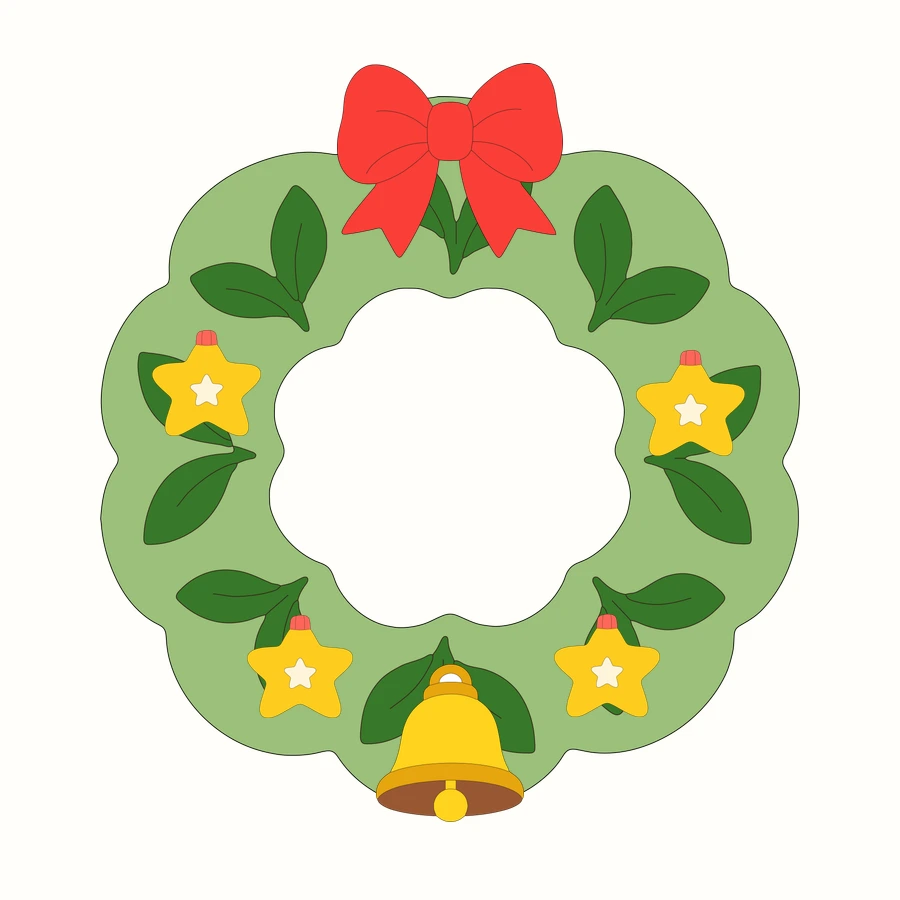
A wreath made from your favorite pieces
Layer decorations over a plain ring, then adjust their sizes and positions.
Try the Christmas wreath parts →Each example uses parts available on its linked template page. Save your finished arrangement as a PDF, SVG or PNG, then print it at a size that suits your project.
Print it. Laminate it. Play.
A little paper world, ready for a story
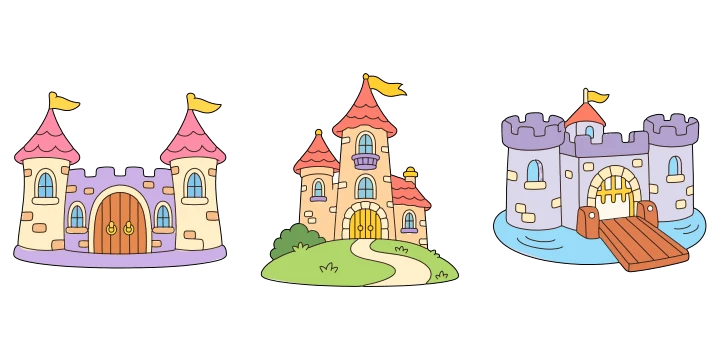
Turn our printable illustrations into a set of reusable paper dolls. Print a castle room as the backdrop, then make small princes, princesses, unicorns and animal friends to move around it. Add food for a royal picnic, or swap the scenery for a whole new adventure.
Choose ready-colored designs for a quick start, or print the black-and-white versions and color your characters before laminating them.
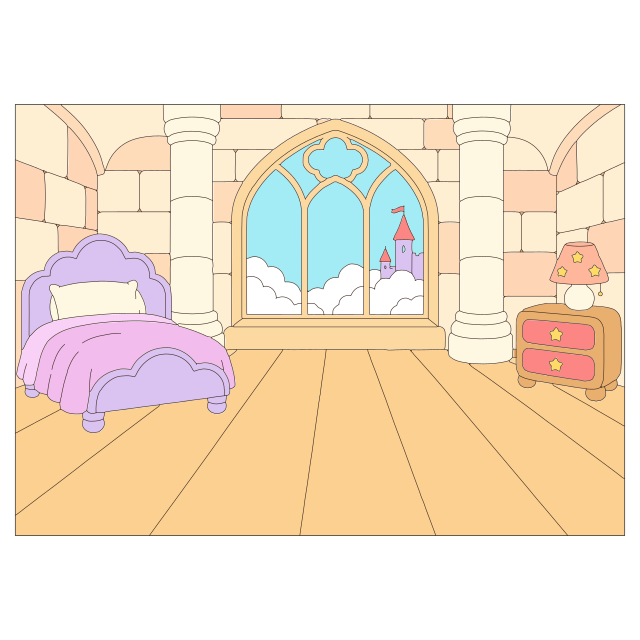
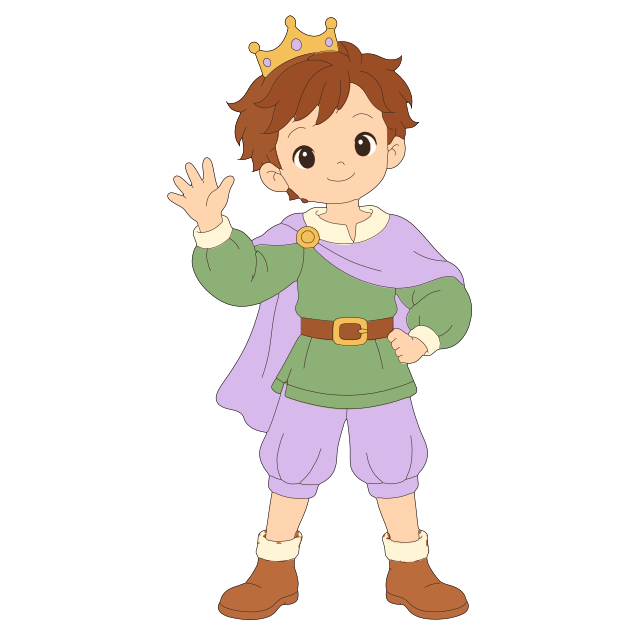
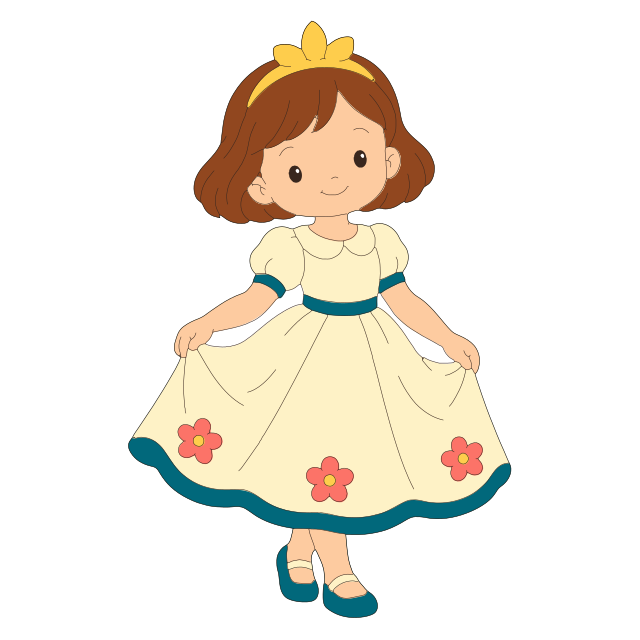
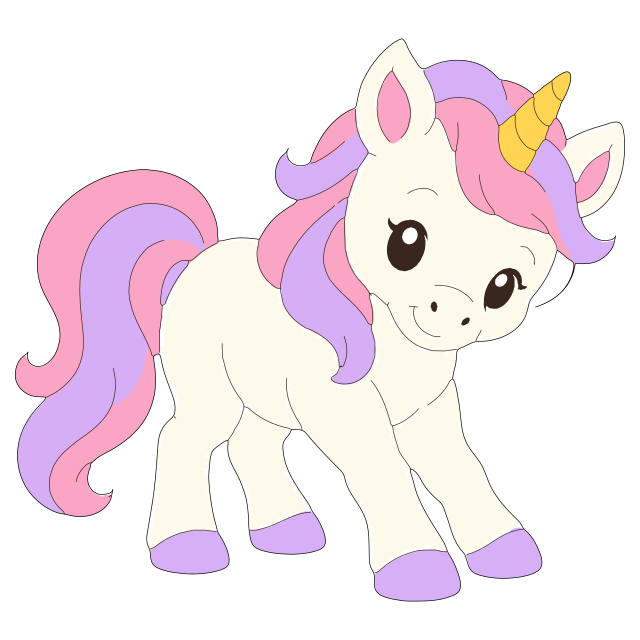
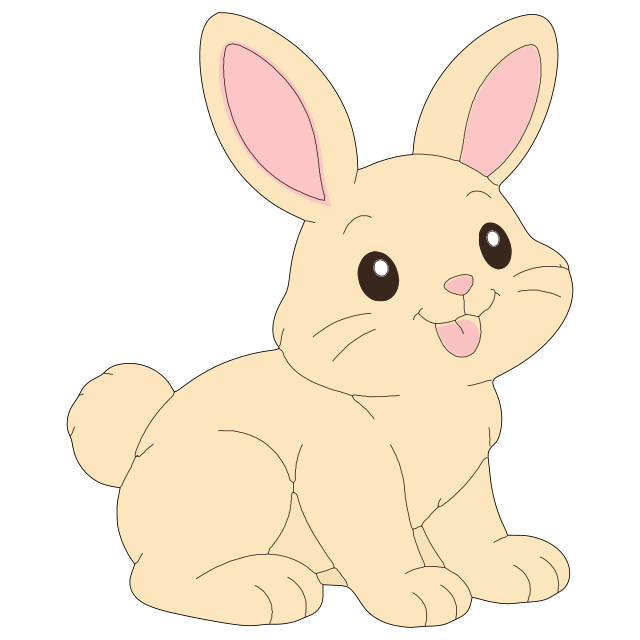

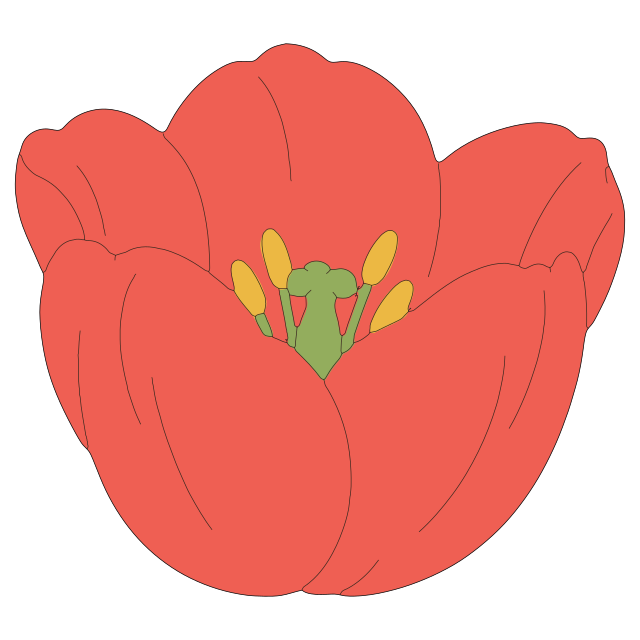
- 1
Print your scene and characters
Print a room background on landscape A4 or US Letter, or use A3 for a larger play scene. Print characters separately at a smaller size; around 6–10 cm (2½–4 in) tall is a useful starting point.
- 2
Cut out and laminate
Cut around each paper character, color it if you like, then laminate the pieces with space between them. Laminate the background too if you want to use it again.
- 3
Trim and start the story
Cut around each laminated character, leaving a small sealed border as recommended for your laminating pouch. Round off sharp corners. Lay the background on a table or prop it against a box, and move the characters around for pretend play.
Build your cast from different template pages: try dinosaurs, bakery treats or flowers too. Print pieces separately, then combine them during play. Adults should handle the laminator and help with cutting.
An afternoon together
Make, color and play with children
Choose a favorite animal, color a whole imaginary world, or cut out a cast of characters for a story. A few printed sheets can become a rainy-day activity, a birthday decoration or a little project to make together.
We hope these templates give children and the grown-ups around them a simple place to start, with plenty of room for their own ideas.
A change of season
A little color for the places you love
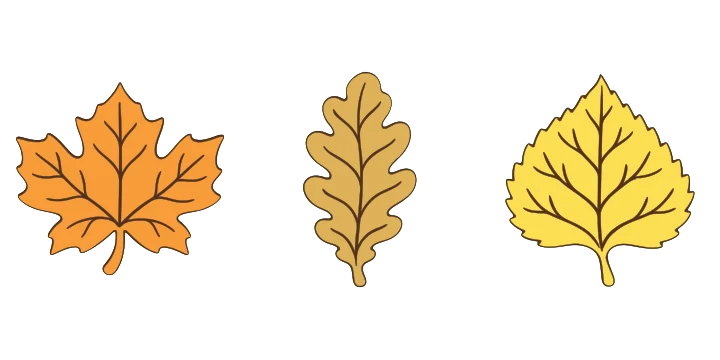
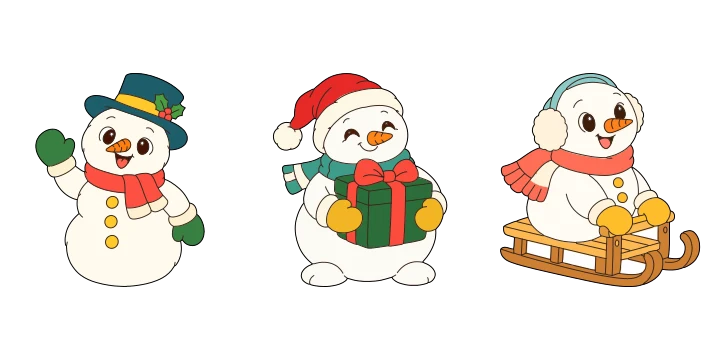
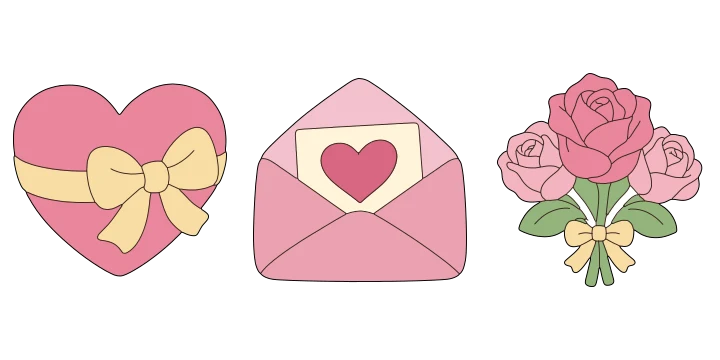
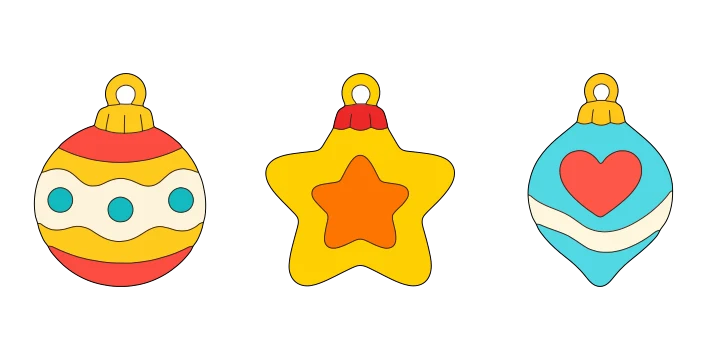
Welcome a new season with paper leaves, put snowmen in a window, or bring a celebration to a blank wall. Print small pieces for a garland or enlarge a favorite design into the center of a display.
Mix different sizes and colors to suit your space, from a cozy corner at home to a classroom or community event.
For shops, too
Make your shop feel a little more welcoming
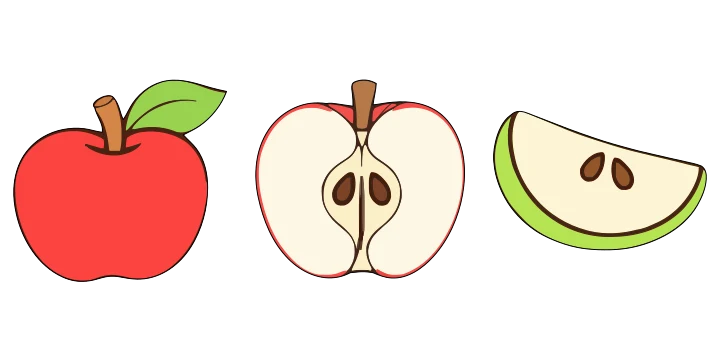
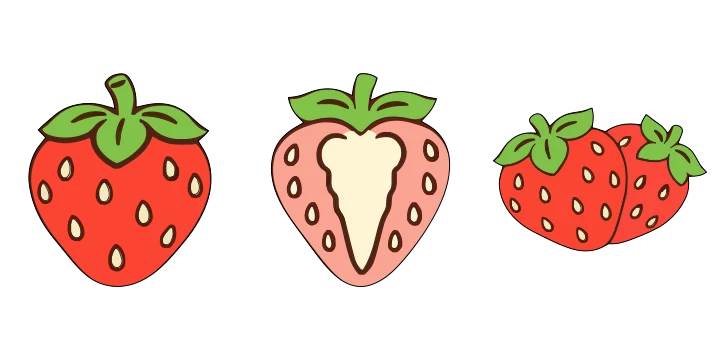
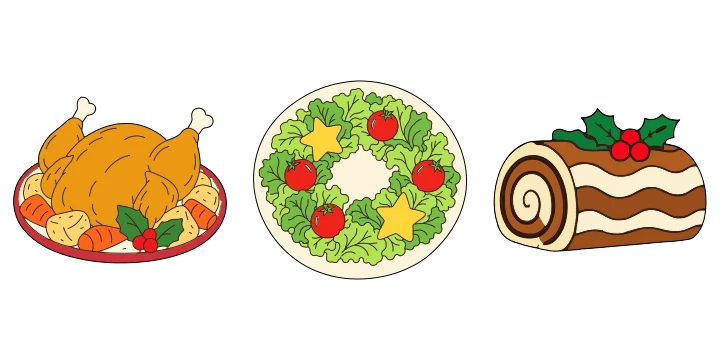
We would love to see these designs used in shop windows, on counters and in seasonal displays. Add cheerful fruit to a food display, build a paper bakery, or brighten a corner with decorations you can change throughout the year.
Start with the designs that fit your space, adjust their size, and make them your own with paper, color and a little imagination.

More ideas on the way
There is always more to make
We will keep adding new designs, from everyday favorites to seasonal surprises. We hope you will come back when you need something for an afternoon with children, a special occasion or your next shop display.
Most of all, we hope you have fun making something.
Find your next projectWho makes Aoneko Tools
Aoneko Tools is planned, produced and operated by aoneko in Japan. We make free printable illustrations, craft templates and browser tools for everyday tasks.
How we make our designs and tools
We use AI-assisted workflows to create illustrations for this website. We select designs and review their shapes, colors and print outlines, making corrections before preparing them as resizable templates. We also revise published designs, instructions and usability when needed.
Our browser tools are built around the task you want to complete. We aim to process working data, such as images and documents, on your device. Each tool and our Privacy Policy explain how inputs are handled.
Corrections and contact
If a design, instruction or tool does not work as expected, please let us know. Include the page URL, your device and browser, and the steps that caused the problem. We review reports and make corrections where needed.
For questions about permitted use or rights, or for business and media inquiries, use our contact form. Please also see our Terms of Use and Privacy Policy.