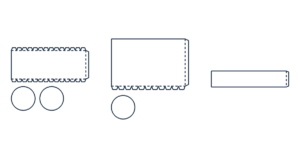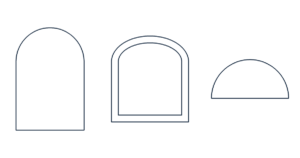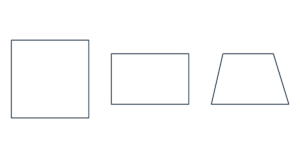
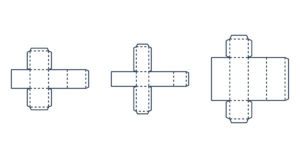
Box Template Generator Create a printable box template with custom width, depth and height. Make cube or cuboid nets with glue tabs.…
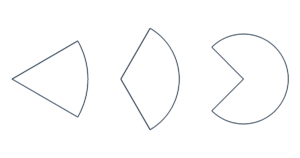
Create a cone net from its base diameter and vertical height. Add a glue tab and an optional circular base for paper cones, hats and classroom models.
Print at Actual size / 100%. Check that the scale line measures 50 mm (1.97 in).
The preview is scaled to fit your screen. Downloads keep the actual dimensions, with no dimension labels over the template.
For base radius r and vertical height h, the slant height is L = √(r² + h²). The sector radius is L and its angle is 360° × r / L. Its arc length matches the base circumference.
Cut along solid lines. Fold the side glue tab along the dashed line, roll the sector into a cone and glue the opposite edge onto the fold line. If you include the circular base, fold its small tabs upward and glue them inside the cone.
No. Enter the perpendicular height from the base center to the tip. The slant height runs from the edge of the base to the tip.
This generator makes a cone with a pointed tip. It does not generate a truncated cone or frustum.
US Letter, US Legal, A4 and A3 are available. Oversized templates are split across sheets without shrinking. ROW and COL identify tile positions; COPY identifies the set. Trim at the printed border and align the 5 mm overlap marks. PDF includes all pages; SVG saves the current preview page. The limit is 100 pages and 100 sets.
Dimensions are measured at line centers. Curves are approximated with fine line segments. Solid lines are cutting lines and dashed lines are folds, except when you choose a dashed spiral style. Small glue tabs may be limited automatically. Allow for paper thickness, glue and printer accuracy when assembling.
Your dimensions and file generation stay in your browser. No account or upload is needed. Free for personal and commercial use.